Ever had a brilliant idea pop into your head, only to lose it seconds later because you weren’t quick enough to catch it?
That’s the daily struggle I’ve been wrestling with lately.
I want to capture every flicker of thought and get it onto a canvas before it slips away.
But how do you keep up when thoughts race faster than your fingers?
Catching thoughts as they fly by
For the past few months, I’ve been diving into new AI tools and hunting down ways to speed up my creative process. The goal? To jot down or sketch ideas the moment they hit me, without breaking the flow.
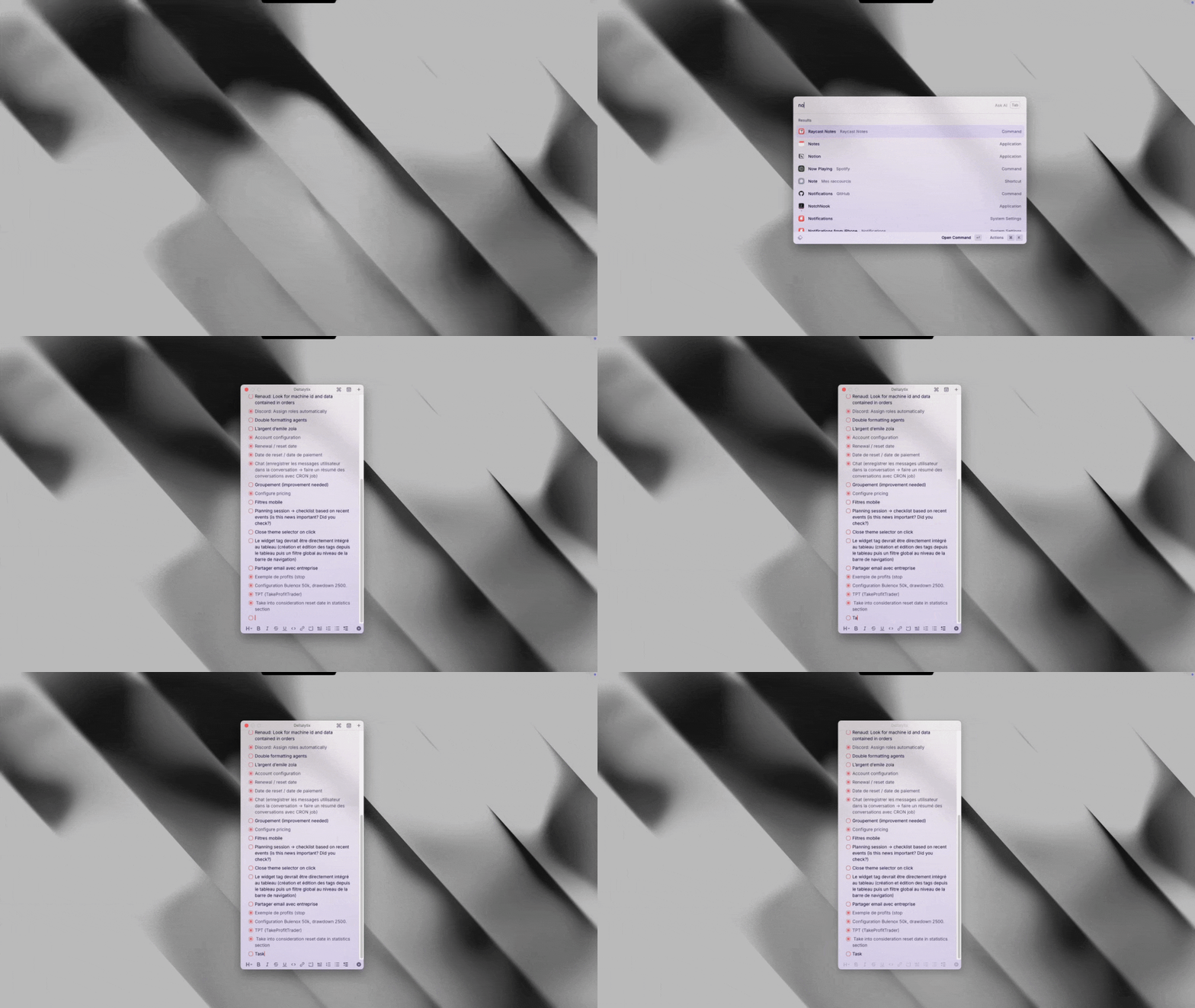
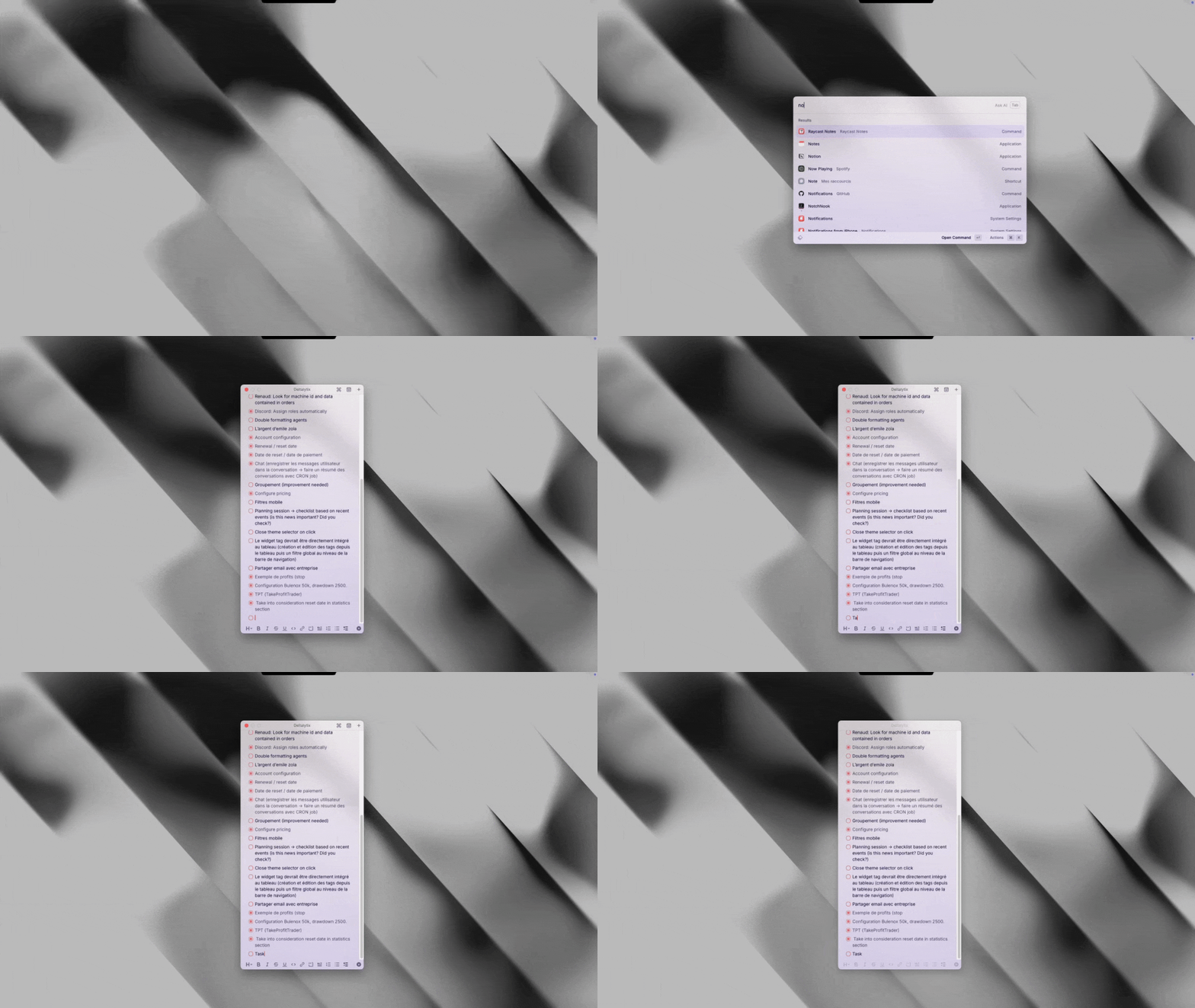
I use Raycast Notes for this: a simple app that lets me save thoughts lightning fast.
It’s wild to think about how I first used a computer years ago. Back then, every action felt slow, clunky even. Now, it’s almost like my hands have a mind of their own. Shortcuts have become my secret weapon, turning what used to be tedious into second nature.
The power of shortcuts
Who doesn’t know the classics: CTRL + c to copy, CTRL + v to paste, CTRL + x to cut, and CTRL + z to undo. They’re the unsung heroes of productivity. But here’s the twist—I now use a split keyboard. This little change opened a whole new world of shortcuts that are easier to reach and feel more natural.
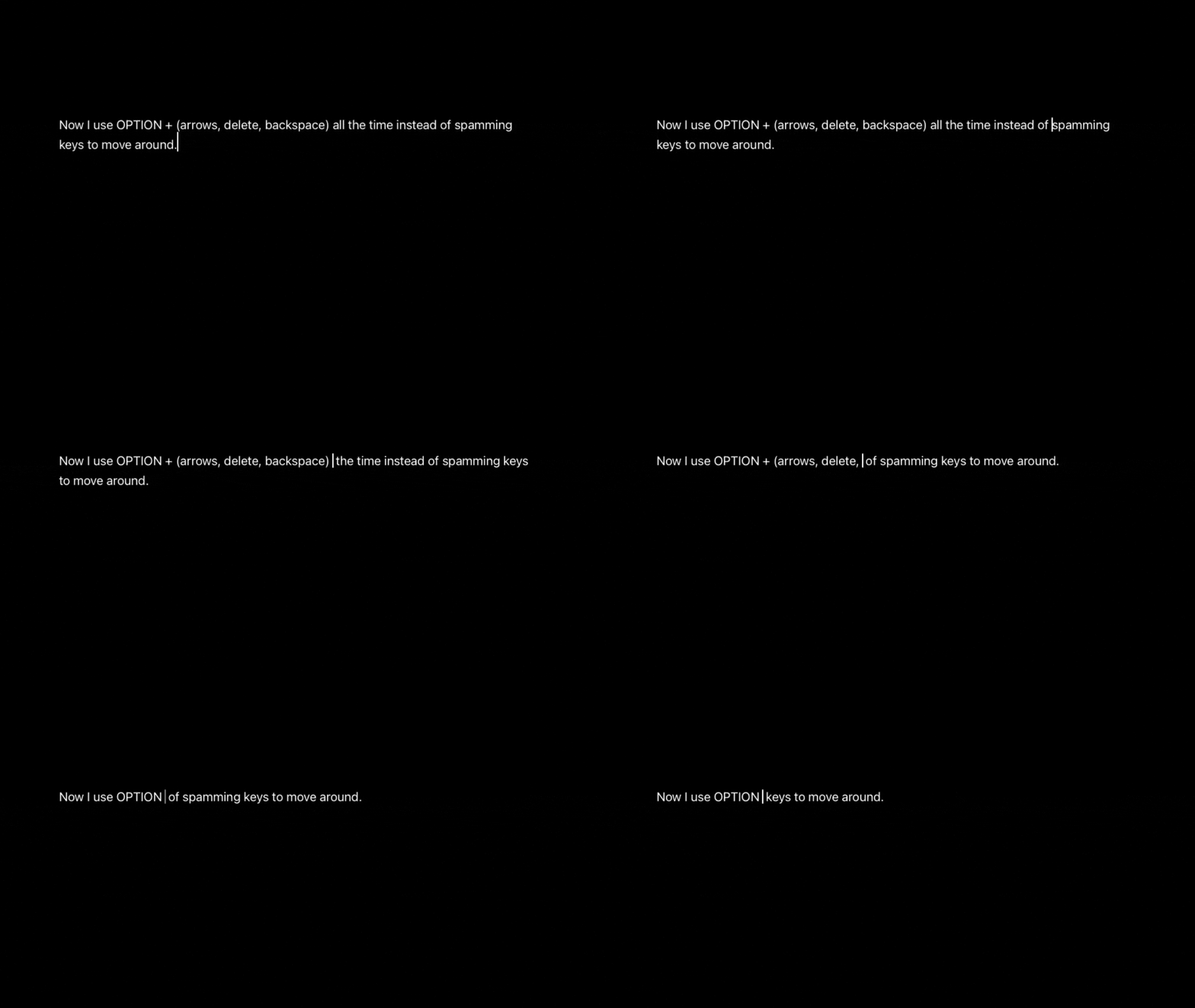
Instead of mashing keys to move the cursor around, I’m all about OPTION + arrows or delete and backspace keys. It’s like having a teleportation device for text, zipping through words instead of crawling. This might sound like a tiny detail but it really changes the rhythm of writing and editing.
Why speed matters
Speed isn’t just about being faster.
It’s about keeping your thoughts fresh and alive.
When your fingers lag behind your brain, ideas get stale or lost. But when your tools keep up with your mind, it feels like you’re creating at the speed of thought itself.
Using AI in the workflow
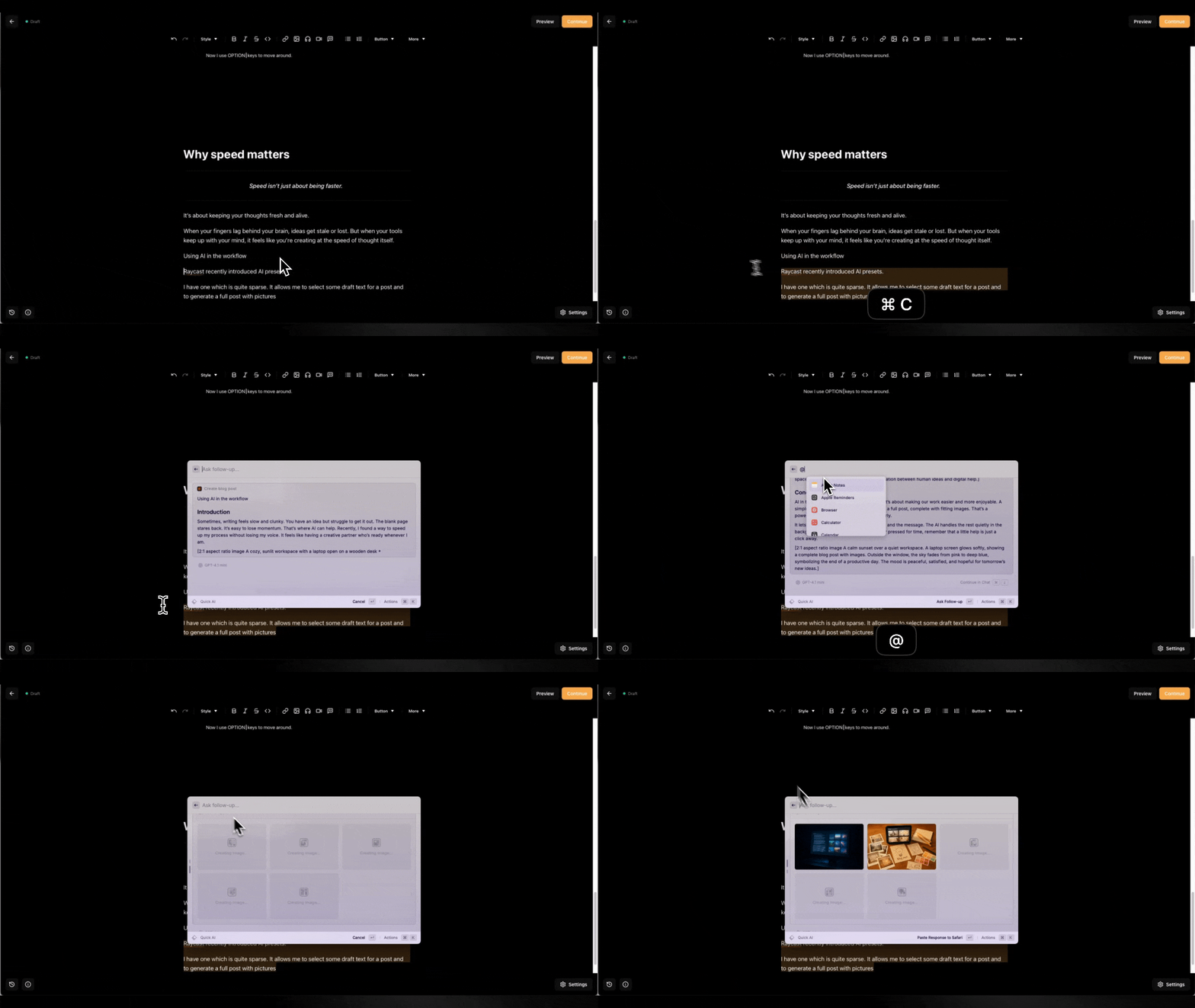
Raycast recently introduced AI presets.
I have one that is quite sparse. It allows me to select some draft text for a post and generate a full post with pictures.